
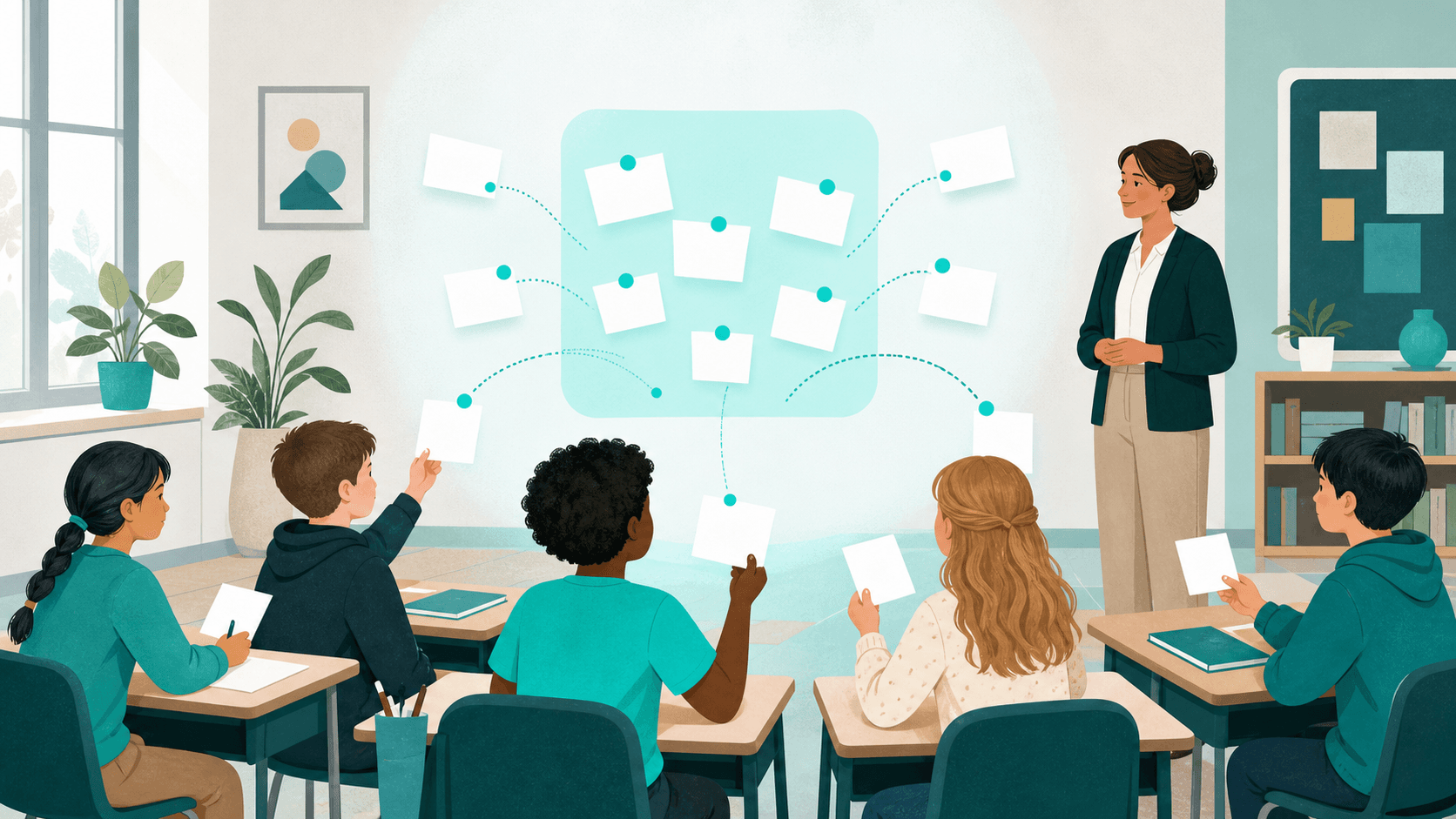
Students often keep useful questions to themselves. They may worry that a question sounds obvious, reveals confusion, or invites attention from classmates. An anonymous question box gives them another route into the lesson—especially when speaking in front of the room feels difficult.
A no-login question box removes another source of friction: students can open a private link and contribute without creating an account or displaying a public profile. The setup is simple, but the expectations around privacy, moderation, and safeguarding need to be just as clear as the technology.
What an anonymous classroom question box does
An anonymous question box separates a submitted question from a student’s visible real-world identity inside the discussion. It can help a teacher collect questions before a lesson, check understanding during a unit, or give quieter students time to formulate what they want to ask.
It does not create absolute or guaranteed anonymity. A writing style, a specific personal detail, or the way a link is shared may still reveal clues. A private-by-link discussion can also be forwarded by a recipient. Explain these limits in age-appropriate language instead of promising that nobody could ever identify a contributor.
For a fuller explanation of the terminology, see Confidential vs Anonymous Discussions.
Before you create the question box
Check your school’s rules
Confirm that the tool and process fit your school’s technology, privacy, and safeguarding policies. Decide whether the question box is appropriate for the students’ age and the subject being discussed. Avoid asking students to include names, contact details, health information, or other unnecessary personal data.
Choose one clear purpose
A focused box is easier to understand and moderate than a permanent channel for everything. Good purposes include collecting questions about one unit, checking what remains unclear after a lesson, or gathering topics students want reviewed before an assessment.
Decide how and when you will respond
Tell students whether you will answer during the next lesson, reply inside the discussion, or summarize recurring themes. Also explain when the box is monitored. Students should not assume it is an emergency or real-time reporting channel.
How to set up a no-login question box with Wheesper
1. Create a private discussion
Open Wheesper and create a discussion for the specific class, unit, or question period. Use a neutral title such as “Questions about the ecosystems unit” rather than a title that invites personal disclosures.
2. Write the opening prompt
Keep the invitation direct and bounded. For example:
What is still unclear from today’s lesson? Post one question at a time. Do not include your name or another person’s private information.
A useful prompt tells students what belongs in the box, what does not, and when they can expect an answer.
3. Share the private link carefully
Give the discussion link only to the intended class—for example through the school’s learning platform or another approved channel. Do not publish it on an open website or public social account. Private by link means access depends partly on how recipients handle that link.
4. Explain the student experience
Students open the link without creating a login and participate using a fresh pseudonym for that discussion. Their real names and public profiles are not displayed to other participants. Remind them not to identify themselves or classmates inside their questions.
5. Give quiet submission time
Set aside two to five silent minutes in class, or leave the box open for a defined period after the lesson. Quiet time signals that submitting a question is a normal part of learning rather than a remedial activity for a few students.
6. Respond to the question, not the presumed student
Do not guess who submitted a question in front of the class. Group duplicates, clarify misconceptions without ridicule, and thank the class for surfacing uncertainty. When a question cannot be answered immediately, say what you will check and when you will return to it.
7. Close the feedback loop
Students will use the question box again only if they see that it matters. Summarize what was answered, what needs more teaching, and what belongs in a different support channel. If the discussion is no longer being monitored, clearly tell the class.
Ground rules students can understand
- Ask about the lesson or the stated topic.
- Do not include your name or another person’s identifying details.
- Submit one question per contribution so replies stay clear.
- Be respectful; anonymity is not permission to target someone.
- Use the school’s designated support or reporting route for urgent safety concerns.
- Do not forward the private discussion link outside the class.
Moderation and safeguarding boundaries
An anonymous question box is a teaching tool, not a replacement for your school’s safeguarding, counseling, bullying-reporting, or emergency procedures. Tell students which trusted adult or official channel to use when someone may be in immediate danger or needs confidential personal support.
If a contribution mentions harm, abuse, threats, or another serious concern, follow school policy and applicable reporting duties. Do not promise secrecy that you may be unable or required not to maintain. The teacher remains responsible for setting the scope, monitoring the discussion, responding appropriately, and ending misuse.
Ways to use the box throughout a lesson
Before class
Invite students to submit questions about assigned reading. Review themes so the lesson starts with what the class actually found difficult.
During class
Use a short submission window after explaining a complex idea. This catches confusion before the lesson moves on and gives students time to ask without interrupting the flow.
After class
Ask, “What should we revisit next time?” A defined closing time keeps expectations manageable and makes it clear when responses will be reviewed.
Before an assessment
Collect questions about concepts and instructions, then answer them for everyone. Avoid using the anonymous box for individual grades, accommodations, or personal academic records.
When Wheesper is a good fit
Wheesper works well when a class needs a lightweight, private discussion space with no participant login, no public profiles, and fresh pseudonyms within each discussion. Threaded replies also let a teacher answer a question where it was asked instead of turning the box into an unstructured list.
Choose another approved system when you need verified student identities, formal records, individual follow-up, parental consent workflows, or access controls required by your institution. The best tool is the one that matches both the learning goal and the school’s responsibilities.
A quick setup checklist
- One class, unit, or clearly defined purpose
- An age-appropriate prompt and contribution rules
- A private distribution channel for the link
- An honest explanation of anonymity and its limits
- A moderation schedule and response deadline
- A separate route for personal or urgent concerns
- A plan to summarize and close the loop
Ready to create a classroom question box? Start a private discussion on Wheesper and share the link only through your school-approved class channel.